
Blog · Gestionale
ERP Customization vs Configuration: How to Choose
Configuration means adapting an ERP through its own settings, parameters and workflows, with no change to the source code. Customization means writing or modifying code, or adding modules, to cover something the standard system does not do. Configure first, customize only where a requirement is critical and the settings cannot reach it. This guide explains the difference, what each costs you over time, and how to decide for your company.
TL;DR
- Configuration adjusts settings, parameters, user roles and workflows. It is faster, cheaper and safer when the vendor releases updates.
- Customization adds or changes code. It gives more freedom, but it needs more time, more testing and continuing technical support.
- A third option sits between the two: vendor-supported extensions that leave the source code untouched.
- Run a requirement-by-requirement review before the project starts, so only real gaps become custom work.
- Limit customization to the areas where it creates a competitive advantage, and document every change.
Table of Contents
- What ERP configuration and customization actually mean
- Configuration vs customization: side-by-side comparison
- Why configuration is the default choice
- When customization is justified
- The decision path: configure, adapt the process, or customize
- Practical steps to assess requirements
- Common pitfalls and how to avoid them
- Perspective: how we work at Linkware
- How Linkware can help
- Questions to ask before you approve a customization
- FAQ
What ERP configuration and customization actually mean
The two words are often used as synonyms, but they describe different kinds of work.
Configuration is the process of tailoring an ERP to the operational, functional and regulatory needs of a business without altering its core source code. Typical examples are currencies, languages, financial calendars, approval hierarchies, user roles, reporting templates and the mapping of cost centers. The software already contains these options. You choose among them.
Customization is what happens when the options run out. According to an Italian company blog, it involves changing the source code or adding new modules when standard configuration is not enough.
An academic thesis from Ca’ Foscari University of Venice describes a more useful three-level view, based on a model by Marc N. Haines. It splits ERP customization into three categories:
- Configuration: changing values in the database tables, with no change to code.
- Extension: the vendor supplies code extensions that do not touch the source code.
- Modification: an alteration the vendor does not support, written by specialized programmers, with the risk of being unable to use new versions of the software.
This three-level view matters because most real projects are not a choice between “settings” and “code”. Many needs fall in the middle, where a supported extension solves the problem without the upgrade risk of a modification.
Configuration vs customization: side-by-side comparison
The table summarizes the differences using the criteria that decide most projects. The ratings come from a general comparison published by an Italian company blog, and the real figures depend on your system, your vendor and the size of the change.
| Criterion | Configuration | Customization |
|---|---|---|
| What changes | Settings, parameters, roles, workflows | Code, new modules, new logic |
| Typical time | Days to weeks | Weeks to months |
| Upfront cost | Low | High |
| Compatibility with updates | High | Low unless designed carefully |
| Risk level | Low | Medium to high |
| Maintenance | Minimal | Ongoing developer support |
The comparison of cost, time and upgrade compatibility is a good rule of thumb. It is not a quote. A small, well-documented customization can cost less than a poorly planned configuration project with many workshops and re-work.
Why configuration is the default choice
Three reasons explain why most consultants start from configuration.
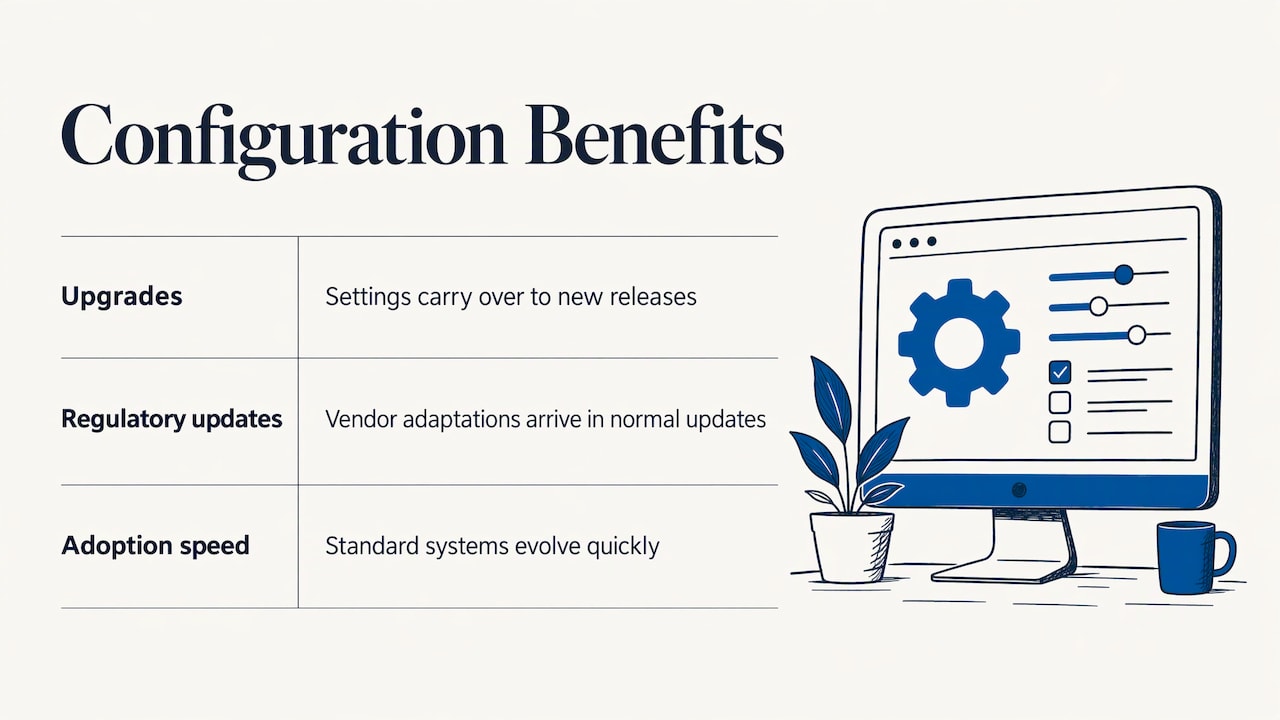
Upgrades stay simple. Configuration adjusts parameters without altering source code, which keeps future vendor upgrades safer to apply. When the vendor publishes a new release, your settings carry over. A modified core may need to be re-tested, adapted or rewritten.
Regulatory updates arrive for free. In Italy, rules on electronic invoicing, tax reporting and receipts change often. A system kept close to the standard receives the vendor’s adaptations as part of normal updates. A heavily modified one makes each update a small project.
You adopt faster. An Italian business-technology publication makes the point directly: a standard, maintainable system can evolve and adapt quickly to company specifics, as long as customizations are limited to areas that produce a real competitive advantage.
The last sentence of that principle is the one to keep. The aim is not to avoid customization at all costs. It is to spend it where it earns something.
When customization is justified
Customization makes sense when three conditions are true together:
- The requirement is critical: without it, a core process stops working or the company loses an advantage.
- Configuration and supported extensions cannot reach it.
- Changing your own process is not realistic, for legal, contractual or competitive reasons.
Examples where we see genuine need in small and medium companies:
- A manufacturer with a production routing that does not fit the standard work-order flow and that is the reason customers choose it.
- A distributor with price lists, discount rules and agent commissions that combine in ways the standard pricing engine does not support.
- An online store that needs order, stock and shipping data to move between the website and the ERP in a specific way. Our guides on WooCommerce and ERP integration and on PrestaShop and ERP, standard module or custom connector show where a standard module is enough and where a connector is justified.
- A plant that needs shop-floor data in the ERP in real time, which is the subject of our guide to ERP and MES integration.
If a requirement is only “how we have always done it”, it is a candidate for process change, not code. That conversation is uncomfortable, but it often saves the most money.
The decision path: configure, adapt the process, or customize
Use this order for each requirement. It works for a list of ten items or a list of two hundred.
- Can a setting, parameter or role do it? Configure.
- Can the vendor’s supported extension, report or integration do it? Use the extension.
- Can the process change without hurting the business? Adapt the process and train the people.
- Is the need critical and still unmet? Specify a customization, with a written scope, an owner and a test plan.
Most requirements end at step 1 or 2. A fit-gap review makes this order systematic. It is a structured evaluation that compares the ERP’s out-of-the-box capabilities with your business requirements and classifies each as fit, partial fit with configuration, or gap that requires customization. The result shapes the scope, the effort and the total cost of the project.
Practical steps to assess requirements
The open question for most buyers is how to do this in practice. A sequence that works for small and medium companies:
1. Map processes before looking at features
Write down how an order, a purchase, a production batch and an invoice actually move through the company. Include who touches each step and which spreadsheets are involved. Do this with the people who do the work, not only with management.
2. Separate must-haves from preferences
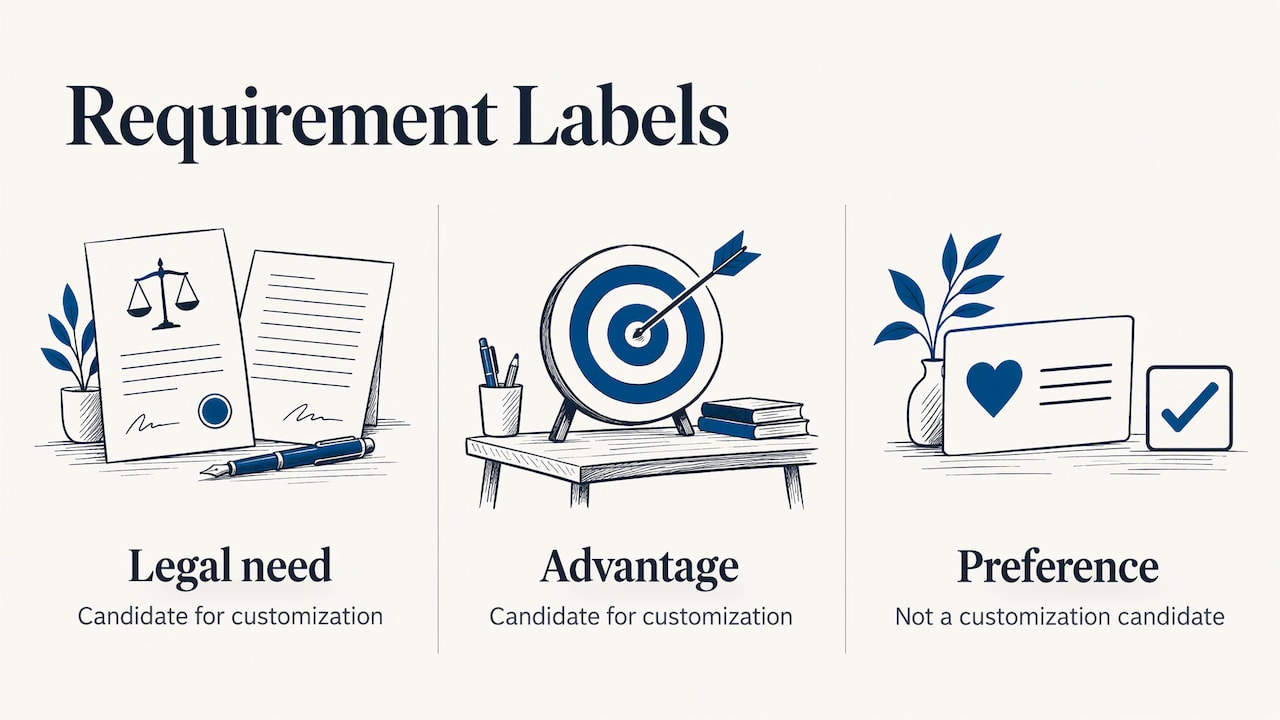
Give every requirement one of three labels: needed by law or contract, needed to keep a competitive advantage, or a preference. Only the first two are candidates for customization. Our ERP requirements checklist for Italian SMEs gives you a starting list.
3. Run the fit-gap review
Walk through each requirement with the implementation consultant on the actual system. Document where the standard works, where configuration is enough and where there is a true gap.
4. Write the scope of every customization
A customization without a written scope is the most common source of budget drift. Describe the input, the output, the owner in your company, the acceptance test and what happens at the next update.
5. Plan the people side
Even a perfectly configured system fails if users do not adopt it. Training, a clear start date and one internal owner matter as much as the settings. See our practical guide to ERP change management.
6. Decide where the system will run
Hosting affects how updates and custom code are managed. Our comparison of ERP cloud and on-premise for Italian SMEs covers the trade-offs.
Common pitfalls and how to avoid them
Problems rarely come from the choice between the two approaches. They come from how the choice is made.
- Skipping the process analysis. An expert technical report on a failed ERP migration in Milan, reported by a forensic consultancy, indicated that a missing process analysis, an ambiguous scope, underestimated customizations and weak project governance are frequent causes of project failure and litigation. In that case costs had almost doubled after about a year and go-live was still out of reach.
- Letting the scope grow. Each small request seems harmless. Together they turn a configured system into a modified one. Keep a change log and approve each item against the decision path above.
- Customizing to copy the old system. Rebuilding the previous software’s screens in the new ERP carries old habits into new software at a high price.
- Ignoring the upgrade path. Ask before any custom work how it will be handled at the next release, and who pays for that.
- No documentation. A customization known by one developer is a risk for the company, not an asset.
For a wider view of budget, our article on what an ERP costs for an Italian SME helps you place customization within the total.
Perspective: how we work at Linkware
We see the same pattern in most small and medium companies. They ask for customization because they have not yet seen how far a well-configured system can go. After a first process review, a good part of the list is covered by parameters, roles and workflows.
That is why each client has one dedicated consultant who learns the business in depth, instead of a call center that sees a ticket and not a company. The consultant can tell which requests are habits and which are real needs, because he or she knows the process behind them.
We handle development and user support in house, so the same team that configures your system answers when something changes. When a requirement is truly critical, we design the custom part to stay as close as possible to the standard, so that it is documented, testable and does not block your updates.
Our rule is simple: configure what you can, extend what the vendor supports, customize what gives you an advantage. We build the solution around how your company really operates.
Claudio
How Linkware can help
We configure ERP systems for manufacturing, retail, professional firms, commerce, logistics and e-commerce, including solutions based on Passepartout Mexal and il gestionale Passcom, and we connect them with WooCommerce collegato al gestionale and PrestaShop stores. Every project starts with a review of your processes, and a dedicated consultant follows you from setup through training and support.
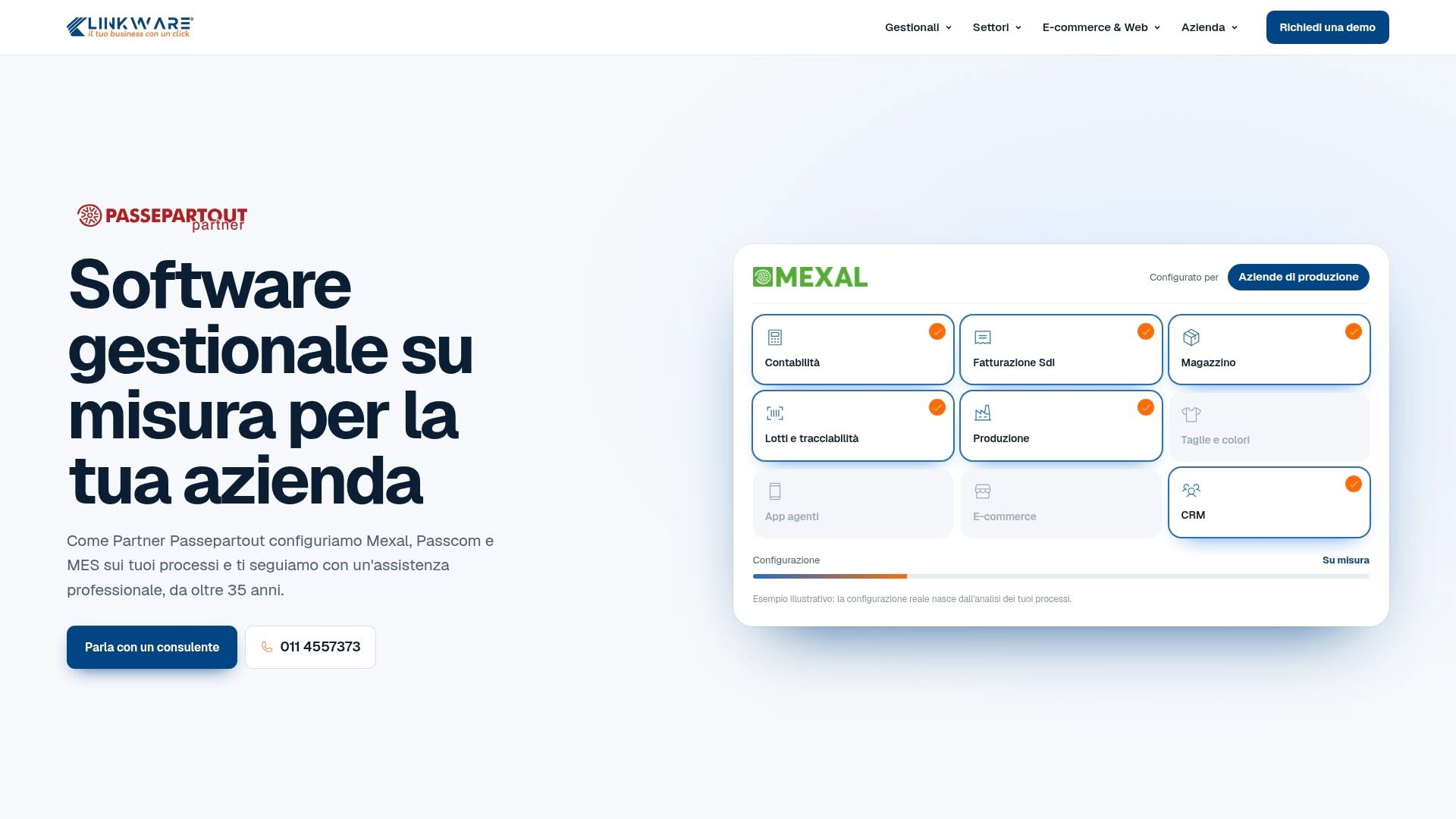
If you want to see what your company can cover with configuration alone, and where custom work would be worth it, talk to our team about a tailored configuration. You can also look at the Passepartout Mexal ERP page to see the system we configure most often. For a deeper look at governing custom work, read our guide on ERP customization: when it pays off and how to control it.
Questions to ask before you approve a customization
Bring these to the meeting with your consultant:
- Which requirement does this solve, and what happens if we do not build it?
- Can a setting, report or supported extension give 80% of the result?
- Who owns it internally, and who tests it?
- How will it behave at the next vendor update, and who covers the adaptation?
- Is it documented in a way someone other than the developer can maintain?
- What is the maintenance commitment after go-live?
A clear answer to each question is a good sign. A vague answer to the update question is a reason to rework the scope before any code is written.
FAQ
What is the difference between ERP customization and configuration?
Configuration uses the settings the ERP already provides, such as parameters, roles, workflows and templates, without changing the code. Customization adds or modifies code or modules to do something the standard system does not. Configuration is faster and safer for updates, while customization offers more flexibility at higher cost.
Is configuration always better than customization?
Configuration is the right starting point because it is quicker and keeps updates simple. Customization becomes the right choice when a critical requirement cannot be met by settings or supported extensions and the process cannot change. The best results combine a well-configured standard with a small, documented custom part.
Does customization make ERP updates harder?
It can. A change the vendor does not support may prevent you from using new versions of the software, as the academic classification of customization levels notes. Supported extensions and well-documented custom code designed to stay close to the standard reduce that risk considerably.
How do I know if a requirement needs customization?
Run a fit-gap review: compare each requirement with what the system does out of the box. If settings, an extension or a small process change can cover it, you do not need customization. If the need is critical and still unmet, write a scope for it before starting.
Who should decide what gets customized?
The decision should involve company management, the process owners who use the system and the implementation consultant. Management sets priorities, users describe the real process, and the consultant explains technical impact and cost. Each approved item needs a named internal owner.
Recommended
Vuoi digitalizzare la tua azienda?
Un consulente LINKWARE ti propone la soluzione su misura, senza impegno.
Richiedi una demo gratuita